Plagiarism checkers can be a lifesaver, but only if you pick the right tool and use it correctly. As a former teacher and academic advisor, I saw two common problems: students who never checked their work and got blindsided by a similarity report, and students who pasted an entire draft into a random website and risked giving away their writing.
This guide focuses on tools that are widely used, generally reliable, and clear about privacy and data handling. I will also show you how to interpret results so you can revise confidently, not panic.
Before you run a check: privacy and accuracy
Not all plagiarism checkers work the same way. Some compare your text to public web pages only. Others also compare against academic journals, books, and student paper databases. More coverage can mean better detection, but it also raises an important question: what happens to your draft after you upload it?
What to confirm in any tool
- Data retention: Does the company store your text? If yes, for how long?
- Indexing: Will they add your paper to their database? If your draft is indexed, it can flag as “matched” later when you submit to a school system that uses the same or a connected database.
- Encryption and account controls: Can you delete documents? Is there a clear privacy policy?
- What sources are checked: Web only, academic databases, publications, or student paper repositories? Coverage varies by product tier and institutional license.
Mentor note: A similarity score is not a grade. It is a signal that you need to review matches and confirm you quoted, paraphrased, and cited correctly.
1) Turnitin: the campus standard
Best for: Students whose school already uses Turnitin and want to see what instructors see.
Turnitin is one of the most commonly used similarity detection systems in K–12 districts and universities. It can compare writing against web content, academic publications, and a large repository of student papers, depending on your institution’s settings and license.
Why it is reliable
- Strong coverage for academic writing: Especially when your institution enables publications and student paper matching.
- Instructor-aligned reporting: You can often anticipate what will appear on your school’s similarity report.
- Helpful match view: Highlights overlaps and links back to sources.
What to watch out for
- Access: Many students cannot buy Turnitin directly. It is typically provided through a school or learning platform.
- Storage and policy: Some submissions can be added to a student paper repository depending on settings and agreements. If you are submitting drafts, ask whether your draft will be stored or indexed.
- Common false positives: Cover pages, headers and footers, templates, rubric language, and pasted assignment prompts can inflate a score. If your tool allows it, use filters like “exclude bibliography” and “exclude quotes” to get a clearer picture.
My best-use tip
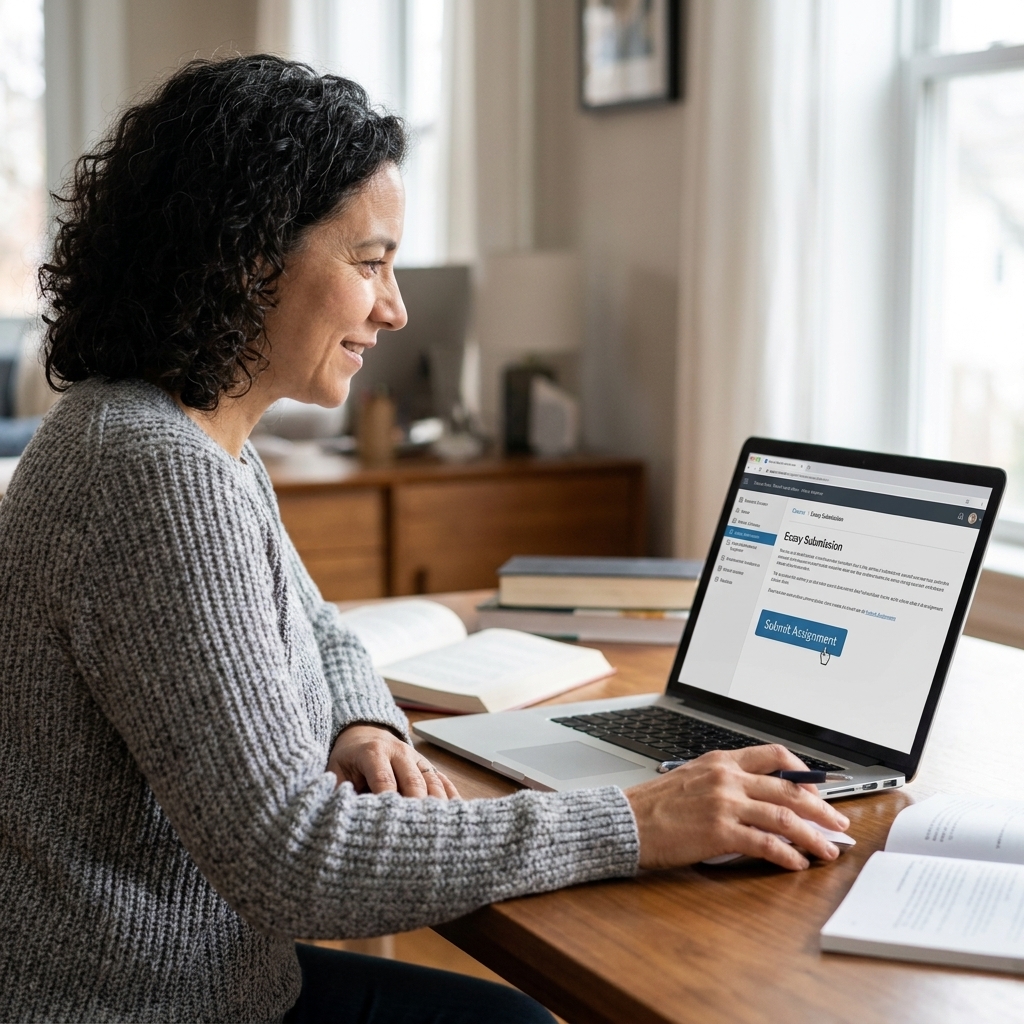
If your course allows resubmissions, use your first submission as a diagnostic. Then revise, especially around paraphrases, quotations, and citations, and resubmit if allowed. Also, do not run the same draft through multiple tools that store or index submissions. That can create confusing “prior submission” matches later.
2) iThenticate: best for research writing
Best for: Graduate students, researchers, and anyone writing literature reviews or publication-style work.
iThenticate is a similarity checking tool used in research and publishing contexts. It is under the same company umbrella as Turnitin, but it is geared more toward scholarly checking than classroom workflows. Many students only encounter it through labs, libraries, or departments, not as a standard personal subscription.
Why it is reliable
- Deep scholarly coverage: Strong performance for journal-style writing and academic sources.
- Clear similarity reporting: Helps you spot patchwork paraphrasing and missing quotation marks.
What to watch out for
- Cost and access: Individual access may be limited or expensive.
- Not always necessary: For a typical high school essay, this can be more horsepower than you need.
My best-use tip
Use iThenticate when you are synthesizing lots of sources. It is excellent for catching those “I read it in five places and now I do not know what is mine” moments.
3) Grammarly: editing plus a basic scan
Best for: Students who want grammar support and a plagiarism scan in one workflow.
Grammarly is primarily a writing assistant, but its plagiarism feature can scan text against public web pages and some licensed databases. Exactly which sources are included can vary by plan and over time, so it is worth checking Grammarly’s current documentation if you need specific coverage (for example, for research-heavy work).
Why it is reliable
- Easy to use: Smooth experience inside the editor.
- Good for quick checks: Helpful for catching obvious overlaps, missing quotation marks, or too-close paraphrases.
What to watch out for
- Not a perfect match to your school’s tool: Your instructor’s similarity report may look different.
- Privacy still matters: Review account and data settings carefully, especially for sensitive drafts.
My best-use tip
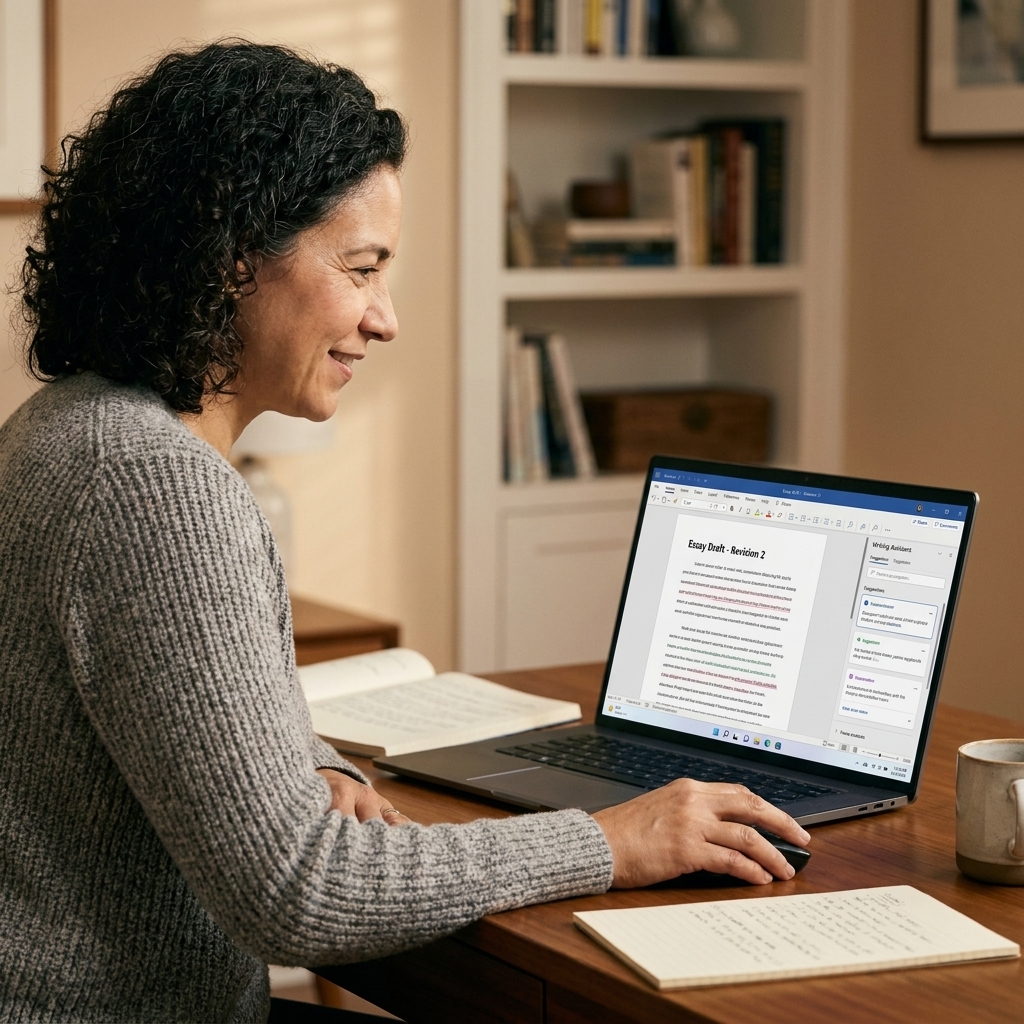
Run Grammarly’s plagiarism scan after your content is stable. If you run it too early, you will waste time chasing matches that disappear as your draft evolves.
4) Copyscape: fast web duplicate check
Best for: Students publishing online, creating blog posts, or checking whether a paragraph appears elsewhere on the web.
Copyscape is well known for scanning for duplicates on the public internet. It is not designed as a full academic integrity platform, but it can be very useful when your goal is to ensure your writing is not too close to something already indexed online.
Why it is reliable
- Strong web-focused detection: Useful for public pages and reposted content.
- Simple reporting: Easy to see which URLs match.
What to watch out for
- Limited coverage for academic sources: It will not catch most journal articles, books, or paywalled databases.
- Interpret matches carefully: Common phrases, definitions, and prompts can show up frequently.
My best-use tip
Use Copyscape for personal statements, scholarship essays, and blog posts that might share language with templates online. It is a good “web reality check.”
5) PlagScan: check current availability first
Best for: Students and educators who see PlagScan offered through their school or organization and want a dedicated similarity report.
PlagScan has historically been a standalone plagiarism detection platform used in education and professional settings. However, its availability and branding have changed over time due to acquisitions and product consolidation. Some users still encounter PlagScan through institutional agreements, while others will be directed to newer Turnitin options instead.
Why it can be useful
- Focused similarity reporting: Purpose-built reports can make it easier to review matches systematically.
- Works well for iterative drafting: When your institution supports draft checking without indexing drafts.
What to watch out for
- Availability varies: Before you plan around it, confirm whether PlagScan is still supported for your region or institution and what the current product name is.
- Features vary by plan: Source coverage, storage, and deletion options can change based on account type.
- Always review privacy terms: Especially if you are uploading a full draft.
My best-use tip
Ask one simple question before you upload: “Will this draft be stored or indexed?” If the answer is unclear, treat it like a final submission tool, not a draft tool.

How to read a similarity report
Similarity tools highlight text that matches other sources. That can include properly quoted material, your references list, and even your assignment prompt if you pasted it into the document. What matters is why the text matched and whether you handled the source responsibly.
Common match types and what to do
- Direct quotes: Make sure quotation marks are present and the citation is correct.
- Close paraphrases: Rewrite using your own sentence structure and voice, then cite the original idea.
- Definitions and common phrases: These often generate harmless matches. Focus on longer highlighted passages.
- Reference list matches: Usually fine. Many tools can exclude bibliography or quotes. Use those filters if available.
- Templates and formatting text: Headers, cover pages, honor pledges, and assignment directions can match many students. If possible, exclude those sections before you worry about your content.
A quick example
If your report shows 25% similarity, do not fixate on the number. Click into the matches and ask: Is most of it your bibliography, quoted evidence, or the prompt? If yes, you may be fine. If one body paragraph is highlighted solid color with a single source, that is the part to rewrite and cite carefully.
If you borrowed an idea, cite it. If you borrowed the words, quote it. If you used both, do both.
A simple workflow for students
- Finish your content draft first. Do not run checks on half-built paragraphs.
- Use one reliable checker. Two or three tools can produce conflicting results and unnecessary stress. More importantly, some tools store or index submissions, which can create “prior submission” matches later.
- Sort matches by length. Fix the largest blocks first.
- Repair, do not just delete. Replace overly similar sections with original explanation, analysis, or examples.
- Re-check once. Confirm improvements, then stop. You want clarity, not perfection chasing.
FAQ
What is a “good” similarity percentage?
There is no universal number. A paper with a low percentage can still contain plagiarism if a key paragraph is copied. A paper with a higher percentage can be fine if the matches are quotations, citations, or templates. The best approach is to review the highlighted sections and confirm your sourcing is solid.
Can plagiarism checkers be wrong?
Yes. They can miss paywalled sources, misidentify common phrases, or flag properly quoted text. Treat the report like a proofreading tool, not a final verdict.
What about self-plagiarism?
Many students get flagged for reusing parts of their own past assignments, lab reports, or personal statements. Some instructors allow limited reuse with permission and citation, others do not. If you plan to recycle anything, ask your instructor and, when appropriate, cite your prior work or rewrite it fresh.
Is it safe to paste my essay into free plagiarism checker websites?
Be cautious. Some free sites are vague about whether they store or reuse your text. If you cannot find clear privacy language, do not upload a full draft. When in doubt, use a checker provided by your school, a reputable paid tool, or a tool with clear deletion controls.
Are AI detectors the same as plagiarism checkers?
No. AI detectors try to guess how text was produced. Plagiarism checkers look for text overlap with existing sources. They are separate tools with different limits and different error patterns.
Will using a plagiarism checker lower my grade?
No. Checking your work is a responsible step. What can lower your grade is submitting writing with missing citations, patchwork paraphrasing, or copied text. A checker helps you fix those issues before your instructor sees them.
Final thoughts
My goal for you is simple: submit work you are proud of, with sources handled thoughtfully and confidently. Pick a tool you trust, protect your draft by paying attention to privacy, and use the report as a guide for revision. That is academic integrity in real life, not just in a policy document.