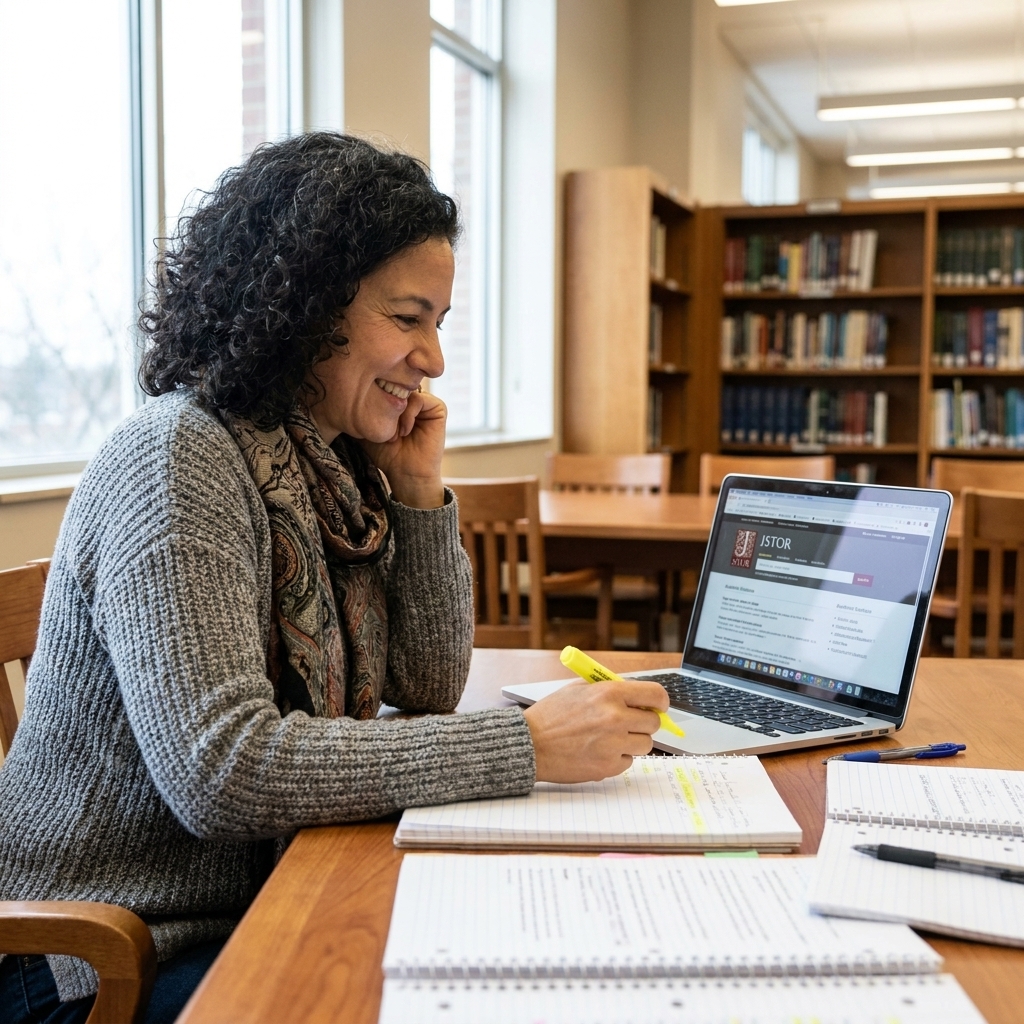
At some point, every student learns the same hard truth: citations are not busywork. They are how you prove your research is real, how you avoid accidental plagiarism, and how you help your reader find your sources. The good news is that today’s best free citation generators can do a lot of the heavy lifting for APA, MLA, and Chicago.
Still, I always tell my students the same thing I told my own classes: a citation generator is a calculator, not a math teacher. It can be fast and incredibly helpful, but you should still do a quick accuracy check before turning anything in.
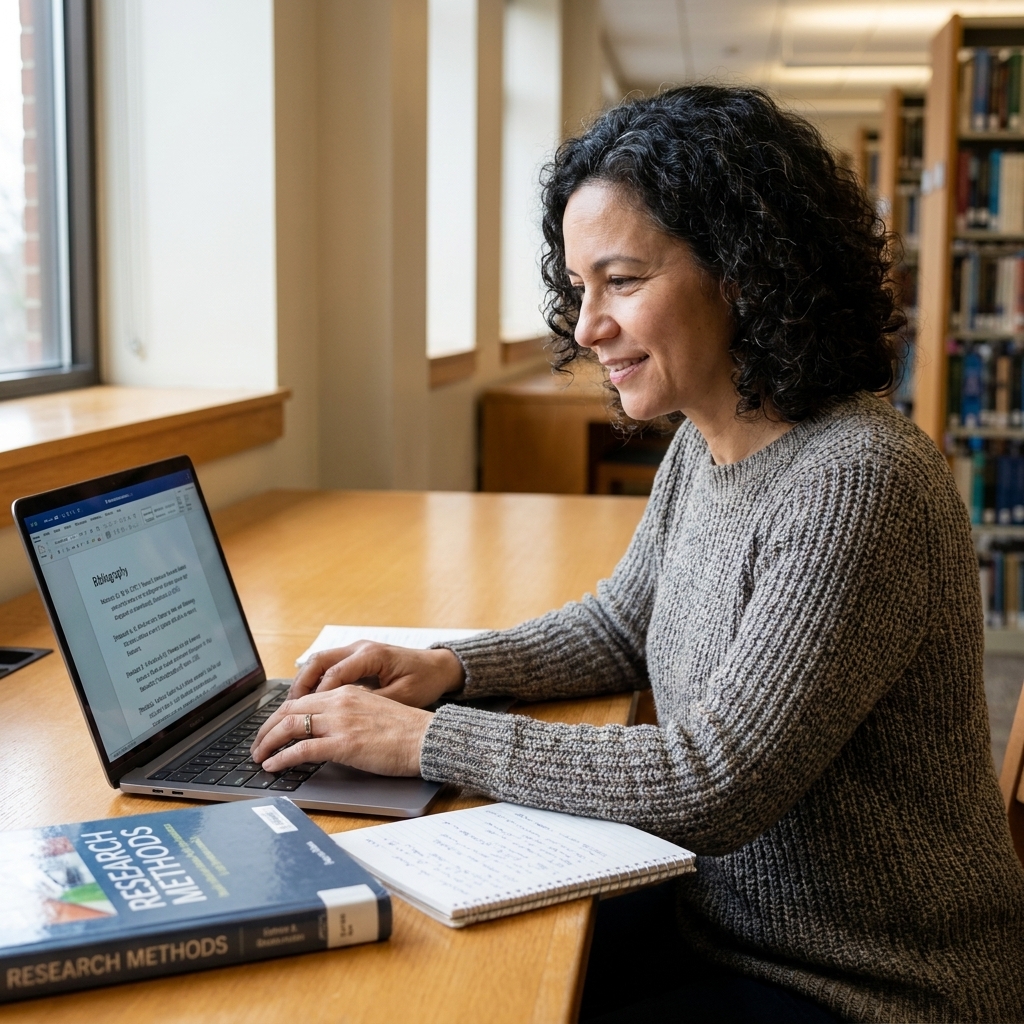
How to choose the right citation tool
Not all generators are equally accurate or equally easy. Here is what I look for when recommending a tool to middle schoolers, high school researchers, college students, and grad writers:
- Supports your style (APA 7, MLA 9, Chicago Notes and Bibliography, and sometimes Chicago Author-Date).
- Works with your source type (books, journal articles, websites, videos, podcasts, reports, dissertations, interviews).
- Autofill quality (ISBN, DOI, URL lookup saves time, but errors happen when metadata is messy).
- In-text or note support (critical for APA and MLA; Chicago Notes and Bibliography uses footnotes or endnotes, while Chicago Author-Date uses in-text citations).
- Export options (copy and paste is fine, but exports to Google Docs, Word, Zotero, or BibTeX can be a lifesaver).
- Cost transparency (many are free to generate citations, but some put exports, advanced source types, or “nice-to-have” features behind a paywall).
- Privacy and accounts (some tools require sign-ins or store projects online. If you are a minor or using a school account, choose tools that fit your school’s privacy rules).
Citation generator vs reference manager
A citation generator is usually a quick, single-purpose tool for creating citations and bibliographies. A reference manager (like Zotero) is built for long projects: it stores PDFs, organizes libraries, inserts citations while you write, and updates your bibliography as your draft changes. For one paper, a generator is often enough. For a semester-long project, a reference manager can save you a lot of time.
Top 10 free citation generators
Below are 10 strong options that are free to use for citation creation. Some offer optional paid upgrades, and free-tier limits can change over time, so treat “free” as “you can make citations without paying,” not “everything is unlimited.” If a tool prompts you to upgrade, you can usually still copy a correct citation for free, but you may lose features like exports, saved folders, or ad-free use.
1) ZoteroBib
Best for: Fast, clean bibliographies without an account.
ZoteroBib is one of my go-to recommendations because it is simple and academically grounded. You can paste a URL, DOI, ISBN, or title and it will pull metadata, then you can switch styles instantly.
- What it does well: Reliable formatting across APA, MLA, and Chicago; quick source lookup; easy edits.
- Free vs paid: Free to use, no account required.
- Watch for: Website citations sometimes need manual author or date cleanup, especially when the site does not clearly list them.
- Great for: Middle school through grad school when you want minimal distractions.
2) MyBib
Best for: Students who want a modern, friendly interface.
MyBib is approachable and supports lots of source types. It is especially helpful for students who are learning how different sources map to different citation fields.
- What it does well: Clear forms and prompts; broad source coverage; good copy and export options.
- Free vs paid: Citation creation is free; some advanced features may require an account or paid plan depending on current offerings.
- Watch for: Double-check title capitalization rules, especially in APA.
- Great for: High school and early college research papers.
3) Scribbr Citation Generator
Best for: Students who want extra guidance while citing.
Scribbr’s generator is easy to use and pairs well with learning resources. If you are still building confidence with APA, MLA, or Chicago, the supportive feel matters.
- What it does well: Guided entry; strong coverage for common academic sources; generally clean output.
- Free vs paid: Citation generation is typically free; related tools on the site (like premium checks or services) may be paid.
- Watch for: Some pages may funnel you toward paid add-ons. You can still use it as a generator.
- Great for: Anyone who wants a little coaching as they build a Works Cited or References page.
4) Cite This For Me
Best for: Quick citations with lots of source types.
This is a popular choice because it is fast and supports many formats. I have seen students get solid results when they take an extra minute to review auto-filled fields.
- What it does well: Speed; wide range of sources; straightforward copying.
- Free vs paid: Citations can be created for free; some features (like ad-free use, saving projects, advanced checks, or certain exports) may be paid depending on current tiers.
- Watch for: Ads and upgrade prompts can be distracting. Focus on accuracy, not speed alone.
- Great for: Busy weeks when you need to build a bibliography quickly.
5) BibGuru
Best for: A clean, no-fuss workflow.
BibGuru is simple and fairly intuitive. I like it for students who get overwhelmed by too many buttons and menus.
- What it does well: Fast citations with minimal setup; easy switching between APA, MLA, and Chicago.
- Free vs paid: Basic citation generation is free; some upgrades may be offered for convenience features, exports, or an ad-free experience.
- Watch for: Web sources with corporate authors (like government agencies) may need a careful check.
- Great for: Middle and high school students who benefit from simplicity.
6) Citation Machine
Best for: Step-by-step entry for common sources.
Citation Machine has been around for a long time, and it is still a frequent choice. It can be helpful when you want a guided form, especially for books and articles.
- What it does well: Guided source entry; many citation styles; can help generate in-text citations.
- Free vs paid: Citations can be made for free; some features (like advanced checks, certain exports, or ad-free use) may require a paid plan.
- Watch for: Pop-ups and upgrade nudges. Always review the final formatting line by line.
- Great for: Students who want a structured process.
7) EasyBib
Best for: MLA-heavy classes and quick website citations.
EasyBib is widely used in schools. It is especially common in MLA-focused English classes, though it also supports APA and Chicago.
- What it does well: Familiar interface for many students; quick generation for common sources.
- Free vs paid: Many citations can be generated for free, but some features and checks are often paid. If you hit a paywall, you can usually still copy a basic citation and then proof it.
- Watch for: It can be easy to accept the first auto-fill result. Confirm author, date, and the site or container name.
- Great for: Students who already know the platform through school.
8) Google Docs built-in citations
Best for: Students writing in Google Docs who want citations inside their draft.
Google Docs includes a citation tool that can insert in-text citations and build a bibliography. It is not the fanciest, but it is convenient, especially for collaborative projects. It supports APA, MLA, and Chicago, but it may not match every newest rule detail perfectly, so spot-check against your style guide or your teacher’s examples.
- What it does well: Lives inside your document; supports APA, MLA, and Chicago; easy to insert while drafting.
- Free vs paid: Free with Google Docs.
- Watch for: Manual entry can be time-consuming, and edition-level details can vary.
- Great for: Group projects and school districts that rely on Google Workspace.
9) Microsoft Word References and Citations
Best for: Students drafting in Word who want citations managed as they write.
Word’s citation manager can store sources and generate bibliographies. If you already use Word for long papers, this can keep everything in one place. Just be aware that Word’s built-in styles and templates do not always perfectly align with the newest APA or MLA handbook updates in every version, so it is smart to proofread and compare to your required edition.
- What it does well: Source manager for longer projects; integrates into the writing flow.
- Free vs paid: Included with Microsoft Word (availability depends on your license and version).
- Watch for: Style output can vary by Word version, and some fields do not map neatly to every rule in APA 7 or MLA 9.
- Great for: Long reports, capstone drafts, and thesis planning when you want everything in one document.
10) Crossref and DOI lookup plus manual entry
Best for: Research-heavy writing where metadata accuracy matters.
This is not a single “generator” in the traditional sense, but it is a smart free strategy: use a DOI lookup (like Crossref search) to find the cleanest article metadata, then paste it into a generator you trust. If you are citing lots of peer-reviewed articles, accurate DOI data helps.
- What it does well: Helps you verify titles, journal names, and DOIs.
- Free vs paid: Free to use as a verification step.
- Watch for: You still need a citation tool or manual formatting step to produce final citations.
- Great for: Upper-level high school, college, and postgraduate research.
One more free option many students forget: library databases and research sites often provide “Cite” buttons (EBSCO, JSTOR, ProQuest, and even Google Scholar). Those citations can be a helpful starting point, but they still need the same accuracy check as any generator.

My quick accuracy checklist
If you do nothing else, run through this short list before you submit your bibliography:
- Author: Is it a person, an organization (corporate author), or truly “no author”?
- Date: Do you have a publication date, last updated date, or only an access date?
- Title capitalization: APA often uses sentence case for titles (example: How to write a research paper), while MLA and Chicago often use title case (example: How to Write a Research Paper).
- Container details: For articles, do you have the journal name, volume, issue, and page range?
- DOI vs URL: In APA 7, use the DOI when a DOI exists for the work. If there is no DOI, a URL may be appropriate for online works. Typically you use one or the other, not both.
- Hanging indent: Many teachers expect it. Most generators include it, but copy-paste into a new format can remove it.
- Notes vs in-text: If you are using Chicago Notes and Bibliography, confirm you are using footnotes or endnotes (plus a bibliography if required), not APA-style in-text citations.
- Match-up check: Make sure every source in your bibliography is cited in your paper (and vice versa).
If a citation looks “too short,” it usually is. Missing dates, publishers, journal details, or page numbers are the most common issues I see.
Which one should you use?
Middle school
Try: ZoteroBib, BibGuru, or MyBib. Keep it simple, and focus on learning what information a source needs.
High school
Try: ZoteroBib, Scribbr, or Google Docs citations if you write in Docs. These are a good blend of speed and clarity.
College and postgraduate
Try: ZoteroBib for quick bibliographies, plus a DOI lookup strategy for journal-heavy work. If you are writing a thesis, consider a full reference manager (Zotero is the classic choice) alongside ZoteroBib for quick formatting checks.
FAQ
Are free citation generators accurate?
They can be very accurate, especially for books and journal articles with strong metadata. They are less reliable for websites with missing authors, unclear dates, corporate authors, or messy page structures. Plan on a quick review every time.
Do I still need to know APA, MLA, or Chicago rules?
You do not have to memorize everything, but you should understand the basics: what counts as an author, how to find a date, when to use a DOI, and how your in-text citations or notes connect to your bibliography.
What is the most common citation mistake students make?
Using the citation generator’s first output without checking it. The second most common is mixing styles, like an MLA Works Cited format with APA in-text citations.
What if my teacher’s rules conflict with the generator?
Follow your teacher’s directions. Style guides have flexibility, and instructors sometimes ask for specific formatting choices for learning purposes. When in doubt, ask which style edition they want (APA 7 and MLA 9 are the most common right now).
How do I choose Chicago Notes and Bibliography vs Author-Date?
Choose Notes and Bibliography if your class expects footnotes or endnotes (common in history and humanities). Choose Author-Date if your instructor wants in-text citations similar to APA (more common in some social sciences). If your teacher does not specify, ask before you format your whole paper.