Let’s say you have a paper due, you are staring at a blank document, and you are not even sure what keywords to type into your library database. This is the moment Wikipedia can be ideal. Not as your final source, and not as something to cite in most academic assignments, but as a fast, structured way to learn the landscape of a topic and locate stronger sources you can cite.
As a former teacher and academic advisor, I think of Wikipedia like the front desk at a big university library. You would not submit the front desk as your “source,” but it can point you toward the right shelves, the right journals, and the right questions to ask.

What Wikipedia is good for
Great for
- Building background knowledge quickly so you understand key terms, timelines, and major debates.
- Generating better search terms, including alternate names, acronyms, and related concepts.
- Finding high-quality sources through the References, Further reading, and External links sections.
- Following related links responsibly by clicking into connected concepts and checking how scholars frame them.
Not great for
- Being your final authority on a contested or rapidly changing topic. Article quality varies widely by subject.
- Citation in most formal academic work, unless your instructor explicitly allows it (or your assignment is about Wikipedia itself). Some classes and fields do permit it in limited ways, especially for definitions, popular culture, digital research, or when you are analyzing Wikipedia as a source.
- Original analysis. Wikipedia summarizes what exists, it does not create new arguments.
If your teacher says “Do not use Wikipedia,” what they usually mean is: do not stop at Wikipedia. Use it as a launchpad.
Step 1: Pick the right page
Before you mine citations, make sure the page you are reading is reasonably stable and well-sourced. Here are quick checks that take under two minutes.
Scan for warning banners
Wikipedia often places notices at the top of an article. Pay attention to banners like “needs additional citations,” “neutrality is disputed,” or “article is a stub.” Those do not mean you must abandon the page, but they do mean you should be extra careful and double-check everything you learn there.
Check the Talk page
Click the Talk tab to see what editors are debating. If the Talk page is full of unresolved disputes, or if there are ongoing edit wars, treat the main article as a starting summary only and lean heavily on the sources you find in the references.
Look for quality signals
Beyond banners, a few extra clues can help you judge how much weight to put on the article:
- Good Article or Featured Article status (when present) usually indicates stronger sourcing and editorial review.
- Page protection can suggest the topic is controversial or frequently vandalized. It does not automatically mean the content is wrong, but it does mean you should verify carefully.
- Reference density matters. Strong pages tend to cite consistently, especially for factual claims.
Check citation patterns
Scroll through a few paragraphs and ask:
- Are claims followed by citations consistently?
- Do citations include reputable publishers, journals, or academic presses?
- Are there lots of “citation needed” notes?
This quick quality check helps you decide how much to trust the article’s summary while you work toward stronger sources.
Step 2: Build a keyword bank
When students tell me “I cannot find sources,” it is often a keyword problem, not a topic problem. Wikipedia helps you fix that fast.
Pull terms from the lead and headings
The opening paragraph usually defines the topic in academic language. The table of contents shows how the topic breaks into subtopics. Copy useful terms into a working list.
Micro-example: If the lead mentions “environmental justice,” “disproportionate exposure,” and “policy outcomes,” those become three strong database terms right away. Then your headings might add “public health,” “housing,” or “industrial zoning.”
Collect alternate names and related terms
Watch for:
- Synonyms (different ways to name the same idea)
- Acronyms (common in STEM and policy topics)
- Historical terms (older labels that appear in earlier research)
- Key scholars or organizations (names that can become powerful database searches)
Then, use your keyword bank in your library database using combinations like "term" AND "term" or "term" AND (subtopic OR related term).
Step 3: Mine References
This is the heart of using Wikipedia well. Most of the academic value is not in the paragraphs, it is in what the paragraphs point to.
Find strong citations first
In the References section, prioritize sources that look like:
- Peer-reviewed journal articles (often listed with journal name, volume, issue, and DOI)
- University press books (Cambridge, Oxford, University of Chicago Press, etc.)
- Government or institutional reports (NIH, UNESCO, World Bank, national statistics agencies)
- Major academic encyclopedias or handbooks (excellent for overview and additional citations)
Be cautious with references that are primarily blogs, anonymous websites, or opinion pieces unless your assignment is specifically analyzing media or public discourse.
Match claims to footnotes
Click a citation number in the article body. It will jump you to the exact reference supporting that statement. This is a simple way to identify which sources are doing the heavy lifting in the article.
Micro-example: Find the sentence you want to use as a starting point, click the footnote number, copy the article title or book title from the reference list, then search that title in your library database. You are no longer “using Wikipedia,” you are tracing Wikipedia back to a citable source.
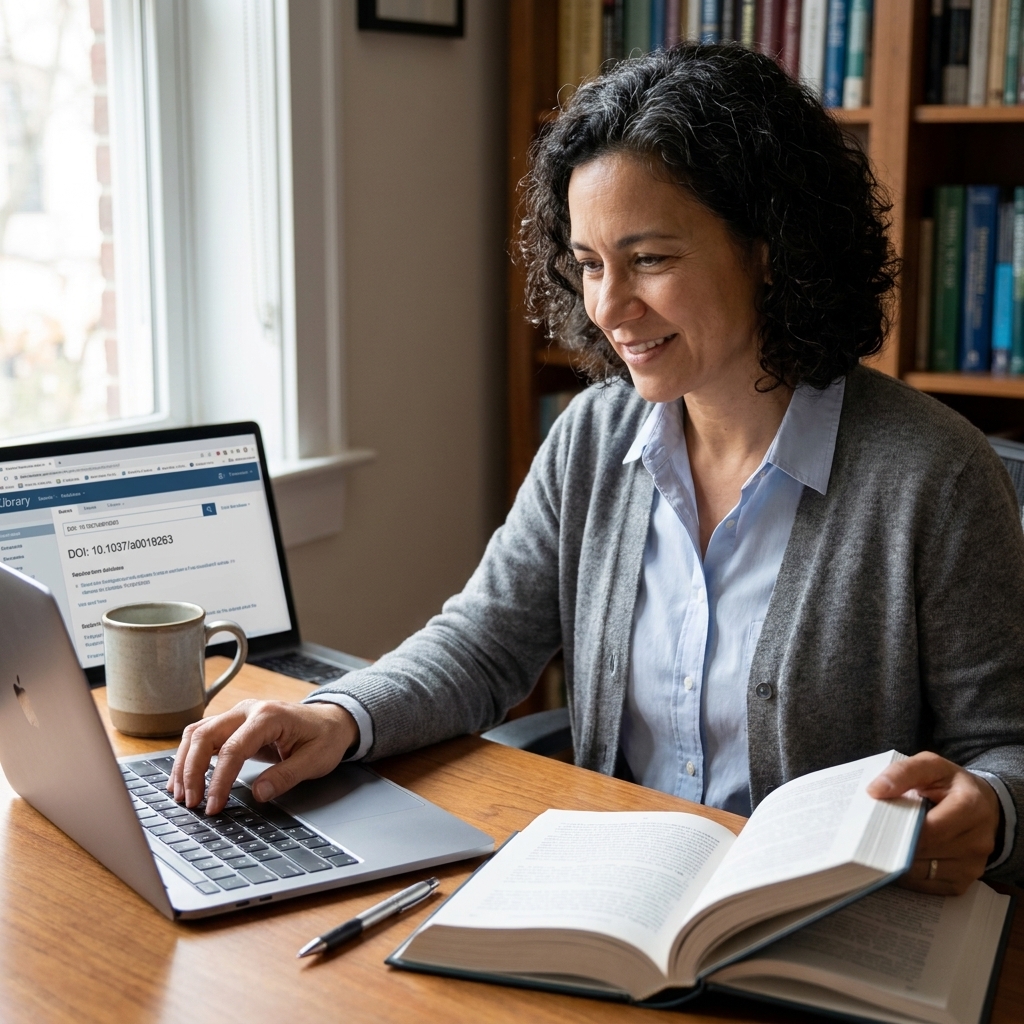
Use DOI, PMID, or ISBN
These identifiers are your fast track to legitimate materials:
- DOI (Digital Object Identifier): paste it into
https://doi.org/to reach the publisher or landing page. That page may still be paywalled, but you can use the title and DOI to find it through your library or an open access copy. - PMID: common in medical research, useful for finding the PubMed entry.
- ISBN: use it to locate a book in your library catalog or WorldCat.
Step 4: Get full text
Sometimes you click a promising reference and hit a paywall. Do not give up. This is where good research habits matter.
Try your library first
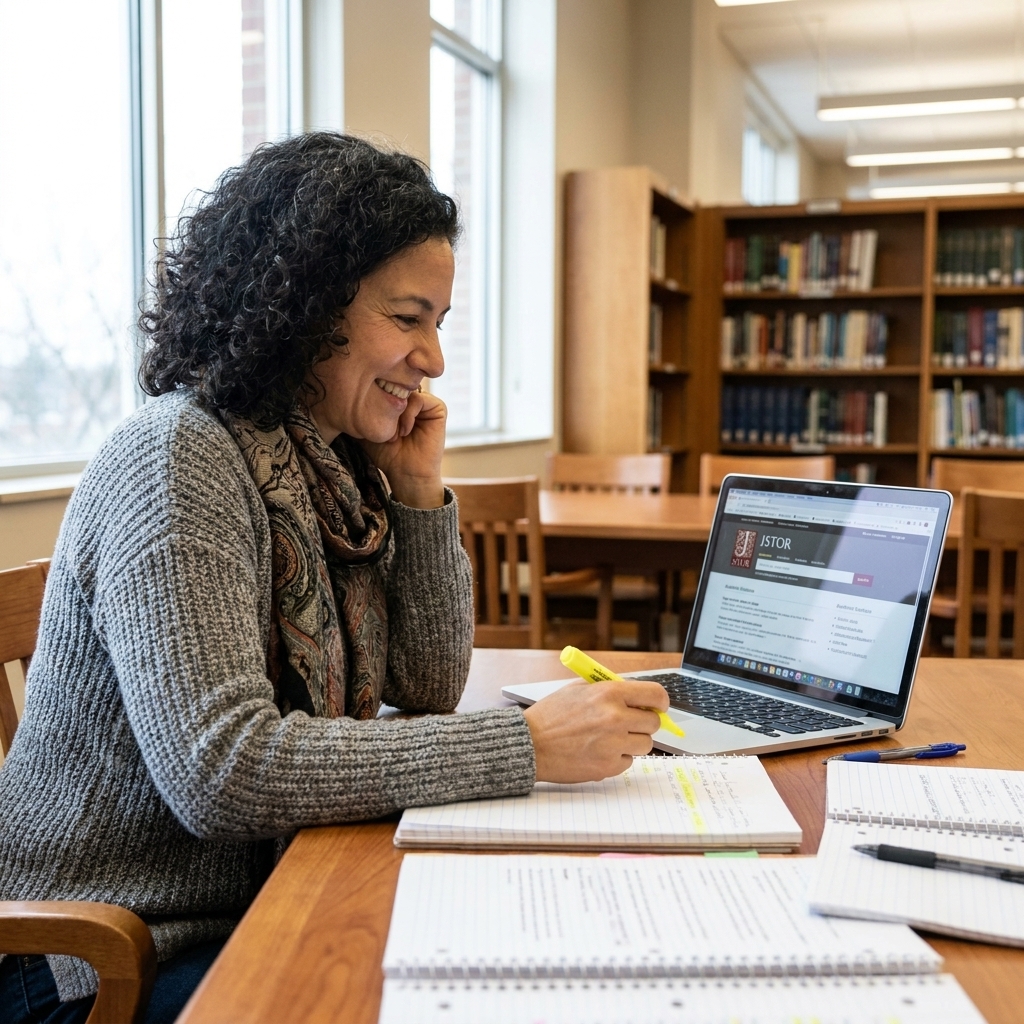
Copy the article title and search it in your school library database. Many schools pay for subscriptions that unlock articles automatically when you sign in.
Use Google Scholar well
Paste the title into Google Scholar. Then look for:
- [PDF] links in the results list, often on the right side on desktop
- Links that say “all versions” (sometimes an accessible copy appears there)
- An author’s university profile or institutional repository
Look for open access
Many researchers share legal preprints. Check:
- Institutional repositories (university libraries)
- Preprint servers in your field
- The journal site for “open access” labels
If you still cannot access it, ask a librarian. A five-minute chat can save you an hour of frustration.
Step 5: Check credibility
Wikipedia can lead you to excellent sources and also to sources that are not a good fit for your assignment. Use a quick evaluation filter before you commit.
A simple checklist
- Author: Who wrote it, and what are their credentials or institutional affiliation?
- Publication: Is it peer-reviewed or published by a reputable press or institution?
- Date: Is it current enough for your topic? (Some topics require very recent sources.)
- Evidence: Does it cite data, studies, and methods, or is it mostly opinion?
- Purpose: Is it trying to inform, persuade, sell, or advocate?
Watch for predatory journals
Not every journal with an academic-looking title is legitimate. If a journal seems unfamiliar, check it in your library database, look up the publisher, and scan for red flags like unclear peer-review practices, aggressive “publish fast” marketing, or fees that are not explained transparently. When in doubt, ask a librarian or your instructor.
Match the source to the job
Not every source needs to be peer-reviewed, but you should know what role it plays:
- Peer-reviewed study: best for supporting key claims.
- Book from an academic press: strong for historical context and theory.
- Government data: excellent for statistics and official definitions.
- Reputable news outlet: helpful for timelines and public impact, not usually for scientific conclusions.
Step 6: Use links wisely
External links and Further reading can be useful, but they require more judgment than the References section. When in doubt, prioritize References and use Step 5 to evaluate what you find.
External links
External links are often less curated than References and can sometimes be promotional. Look for links that go to:
- Museums, archives, universities, or major institutions
- Primary source collections (letters, speeches, datasets)
- Official project pages with documentation
Be cautious if the external links are mainly advocacy sites or commercial pages unless your topic is specifically about those perspectives.
Further reading
Think of this like a curated reading list. If your topic feels overwhelming, choose one item from Further reading and use that source’s bibliography to expand your research in a more scholarly direction.
Step 7: Expand past Wikipedia
Once Wikipedia helps you locate one strong source, you can grow your research far beyond the original article.
Use Google Scholar tools
Search your best source in Google Scholar, then use:
- Cited by to see newer papers that reference it
- Related articles to find similar research
This is one of the fastest ways to build a real academic conversation in your sources.
Common mistakes
Copying wording too closely
Even accidental paraphrasing can become plagiarism if your sentences mirror Wikipedia’s structure. Use Wikipedia to understand, then close the tab and write your own explanation from memory. After that, support your points using academic sources.
Using one page as the whole plan
Try this instead: use Wikipedia to find 3 to 5 strong sources, then let those sources lead you to more.
Not checking the version
Wikipedia changes. If your instructor allows citing it (some do in specific contexts), use the View history or Permanent link option so you reference a stable version.

A simple workflow
If you want a repeatable system, here is one I used to teach students who felt stuck:
- Read the lead of a Wikipedia article to get oriented.
- Collect 10 keywords from the lead, headings, and linked terms.
- Open 5 references and choose the best 2 to start with.
- Find full text in your library database or Google Scholar.
- Expand the trail using bibliographies plus Google Scholar’s Cited by.
- Write with sources open, using Wikipedia only as a background guide.
This approach keeps you moving forward, and it shifts your paper from “I read a webpage” to “I engaged with published research.”
FAQ
Can I cite Wikipedia?
In many high school and college classes, the expectation is that you cite the original sources Wikipedia references, not Wikipedia itself. That said, some instructors and disciplines do allow Wikipedia for background, definitions, or particular assignments. When in doubt, ask your teacher or check the rubric.
How do I know if a source is peer-reviewed?
Look at the reference details. Peer-reviewed sources usually appear as journal articles with a journal name, volume, issue, and a DOI. If you are unsure, check the database record in your library catalog, or look up the journal in your library’s tools to confirm whether it is peer-reviewed.
Fastest way to get a credible source?
Click a citation number in the paragraph you care about, then look for a DOI or a journal article title. Paste the title into your library database or Google Scholar and try to access the full text there.
Is Wikipedia reliable for science or medical topics?
It can be a helpful overview, but you should be extra cautious. For anything health-related, prioritize references from major medical journals, clinical guidelines, and trusted institutions. And never use Wikipedia as a substitute for professional medical advice.
Closing encouragement
If you grew up like I did, in a household that valued education but did not always know the “rules” of academia, it can feel like everyone else got a research handbook you missed. You did not miss it. You just need a process.
Use Wikipedia for what it does best: orientation and pathways. Then step onto the solid ground of peer-reviewed research, academic books, and reputable data sources. That is how you turn a topic into a paper you can be proud of.