
When you are staring at a stubborn equation at 10:30 p.m., an online math solver can feel like a lifeline. Used well, these tools do not replace learning. They help you check your work, spot where you went off track, and understand the next move.
Below are the online math solvers and graphing calculators I recommend most often to high school students and families because they are reliable, widely used, and genuinely helpful for homework checks in Algebra 1 through calculus.
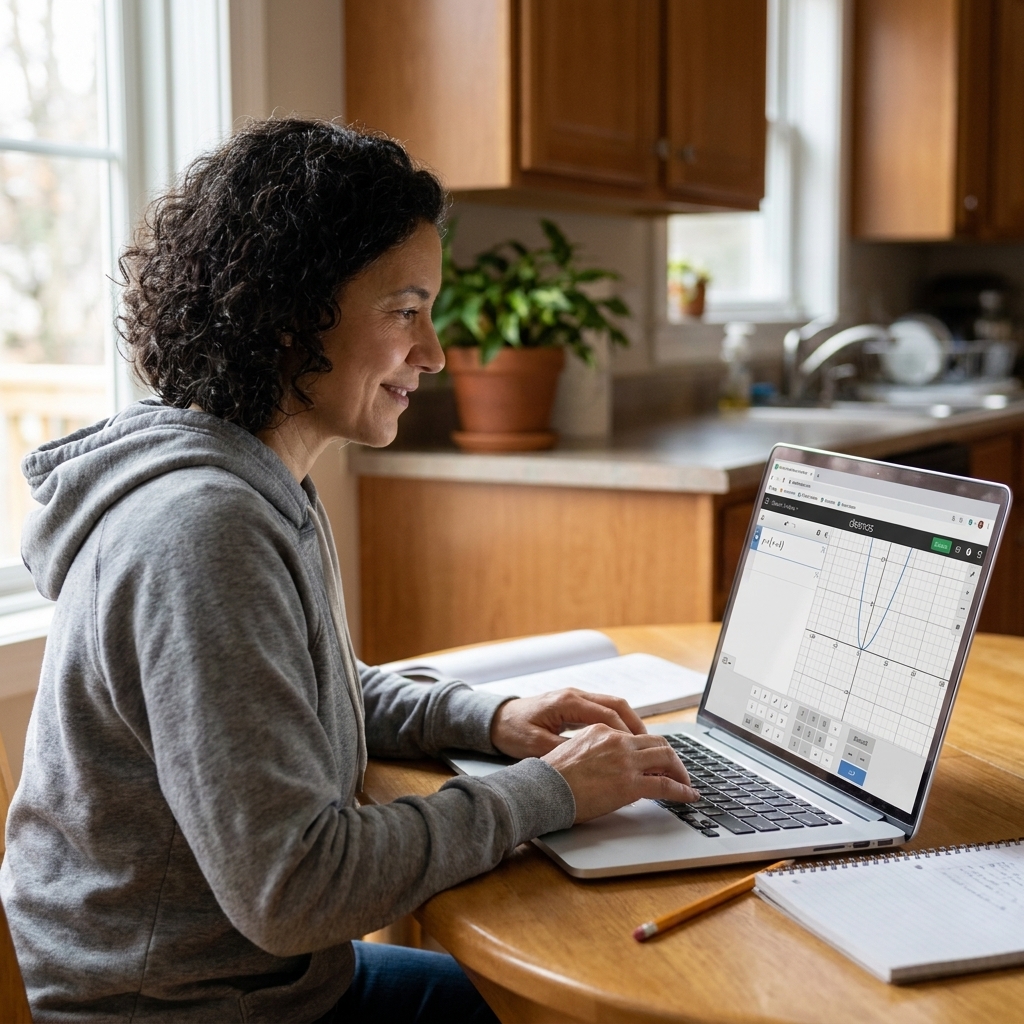
How to use a math solver without cheating
As a former classroom teacher, this is the part I care about most. The goal is to use the tool like a tutor, not like a shortcut.
My 3-step “check it right” routine
- Try it first on paper. Even a messy attempt gives you something to compare against.
- Use the solver to verify the final answer. If your answer matches, great. If not, keep going.
- Reveal steps only until you find your mistake. Stop as soon as you see the first point where your work diverges, then redo it on your own.
A quick teacher-style warning
Many platforms will show polished steps that do not match your class method. That does not mean your teacher is wrong or the solver is wrong. It means there are multiple valid pathways. When you are studying for a test, prioritize the method your teacher expects.
Tip I give my advisees: If you use a solver, write a one-sentence “mistake note” in the margin, like “Forgot to distribute the negative.” That turns a check into real learning.
Best online graphing calculators
If you are doing anything with functions, transformations, intercepts, systems, or calculus-related graphs, start here. A strong graphing calculator helps you see the math.
Desmos (best overall for most high schoolers)
Best for: Algebra 1 and 2, geometry coordinate topics, precalc, and quick checks for trig and calculus-related graphs.
- What it does well: Fast, clean graphs; sliders; tables; regressions; piecewise functions; inequalities; systems; great classroom resources.
- Why students like it: It feels intuitive and forgiving. You can experiment without breaking anything.
- Common pitfall: Desmos is a graphing tool, not a full step-by-step algebra tutor. Use it to confirm what your algebra says, not to replace the algebra.
My favorite use: After solving a system or finding roots, graph both equations and confirm the intersection points match your solution.
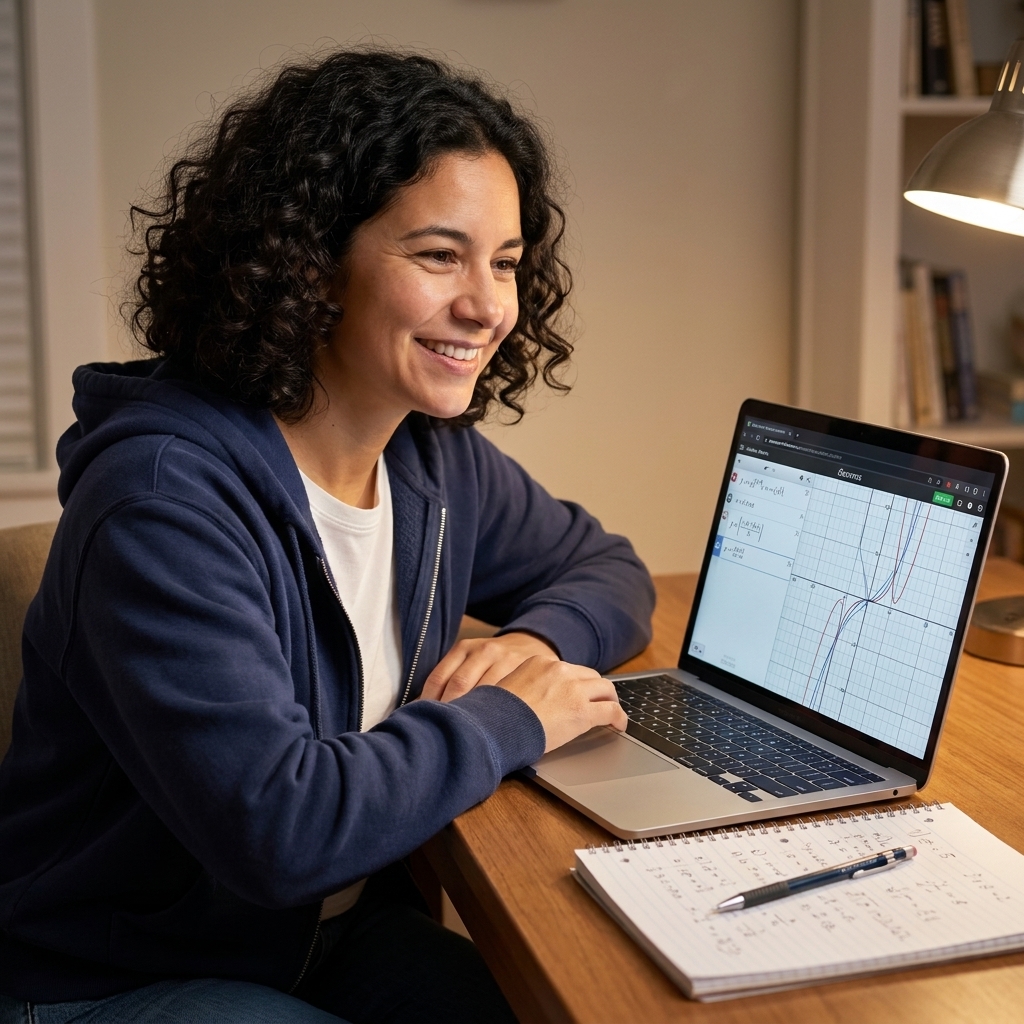
GeoGebra (best for geometry and visual math)
Best for: Geometry, transformations, constructions, coordinate geometry, and any time you want a more interactive visual.
- What it does well: Dynamic geometry tools plus graphing, spreadsheets, and more advanced math features.
- Why it is powerful: You can drag points and watch relationships change in real time, which is huge for proofs and understanding.
- Common pitfall: It has more buttons and modes than Desmos, so it can feel like a lot at first.
My favorite use: Check whether a conjecture you are making in geometry actually holds when you drag the figure. If it breaks, your proof needs a new plan.

TI-84 style emulators (best for TI workflows)
Best for: Students who are required to learn TI-84 style key sequences for exams or classroom routines.
- What it does well: Mimics common handheld calculator workflows, including table features and familiar menus.
- Why it matters: If your tests are timed, the button memory can be part of performance.
- Important note: There are official TI emulator options (often through schools) and there are also third-party “TI-84 online” clones. Stick with school-provided or clearly licensed tools so you do not run into access, paywall, or legality issues.
My favorite use: Practice using table and trace features to estimate zeros and intersection points before solving algebraically.
Best step-by-step algebra solvers
These are the tools students reach for when they need to simplify, solve, factor, or work through multi-step algebra. The key difference between a helpful solver and a frustrating one is the quality of the steps and explanations.
Wolfram|Alpha (best for powerful, accurate results)
Best for: Algebra through calculus, including more advanced expressions, derivatives, integrals, and equation solving.
- What it does well: Very strong computation, multiple forms of answers, and additional details like domain restrictions.
- Why families like it: It is dependable when problems get complex.
- Limitations: Full step-by-step explanations often require a paid plan (and availability can vary by problem). Also, the steps can be more advanced than what your class expects.
My favorite use: Confirm a final solution set and then double-check for extraneous solutions when you solved by squaring both sides or working with rational equations.
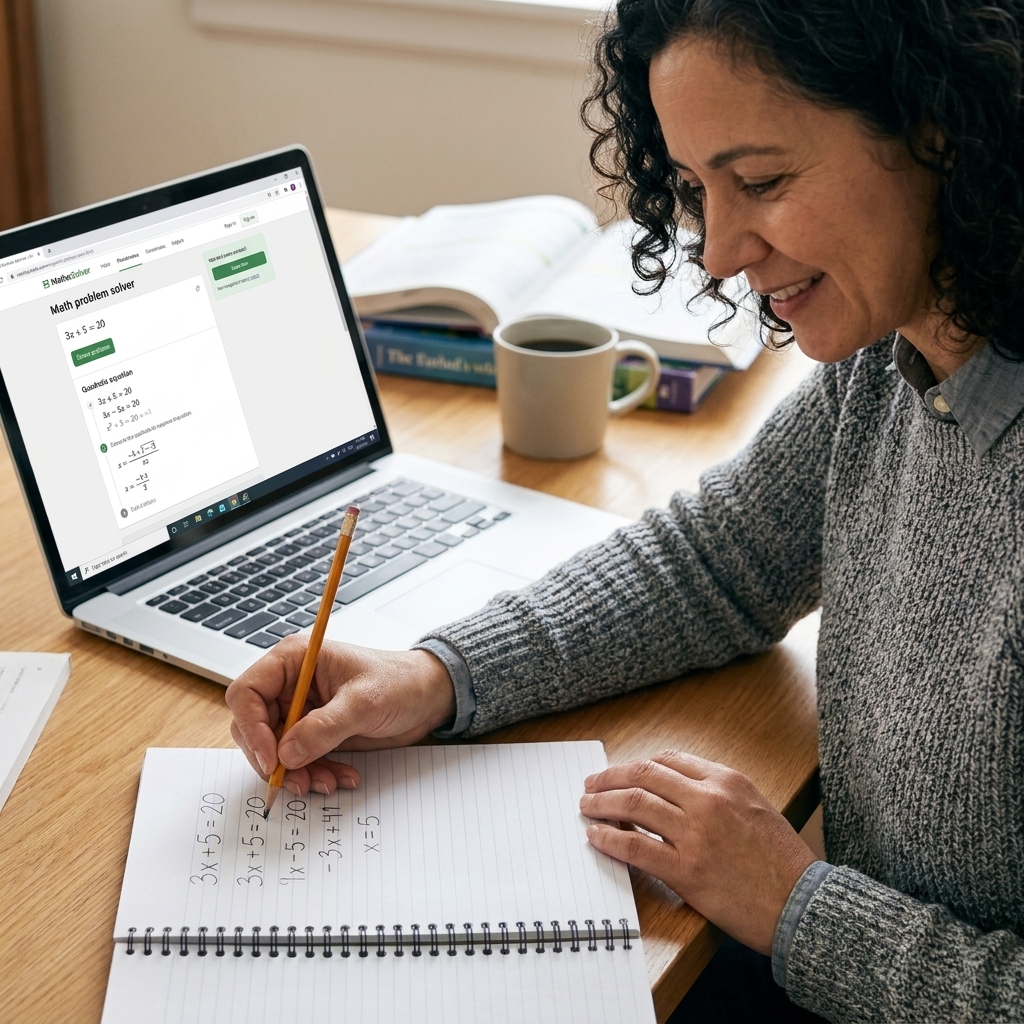
Symbolab (best step-by-step feel for algebra and calculus)
Best for: Step-by-step help in algebra, trig, and calculus, especially if you learn best by following a worked example.
- What it does well: Clear steps, multiple methods for some problems, and a helpful breakdown of rules used.
- Why students like it: It often feels closer to a tutor walkthrough than a pure calculator output.
- Limitations: Some detailed steps are locked behind a subscription. Also, make sure you understand each transformation, not just the final line.
My favorite use: Compare your factoring or completing-the-square steps line by line to pinpoint the exact moment your signs flipped.
Microsoft Math Solver (best quick checks from a photo)
Best for: Fast homework checks, especially if you want to input with a photo or handwriting and get a solution path.
- What it does well: Accessible interface, multiple input options, and helpful links to related learning resources.
- Why it is convenient: You can move from “What did I do wrong?” to “Let me practice a similar problem” quickly.
- Common pitfall: Photo input can misread parentheses, exponents, or negatives. Always verify the typed version matches the original problem. Also, features can shift a bit over time with app updates.
My favorite use: When a student is stuck on the setup, we use it to confirm the expression was written correctly before solving.
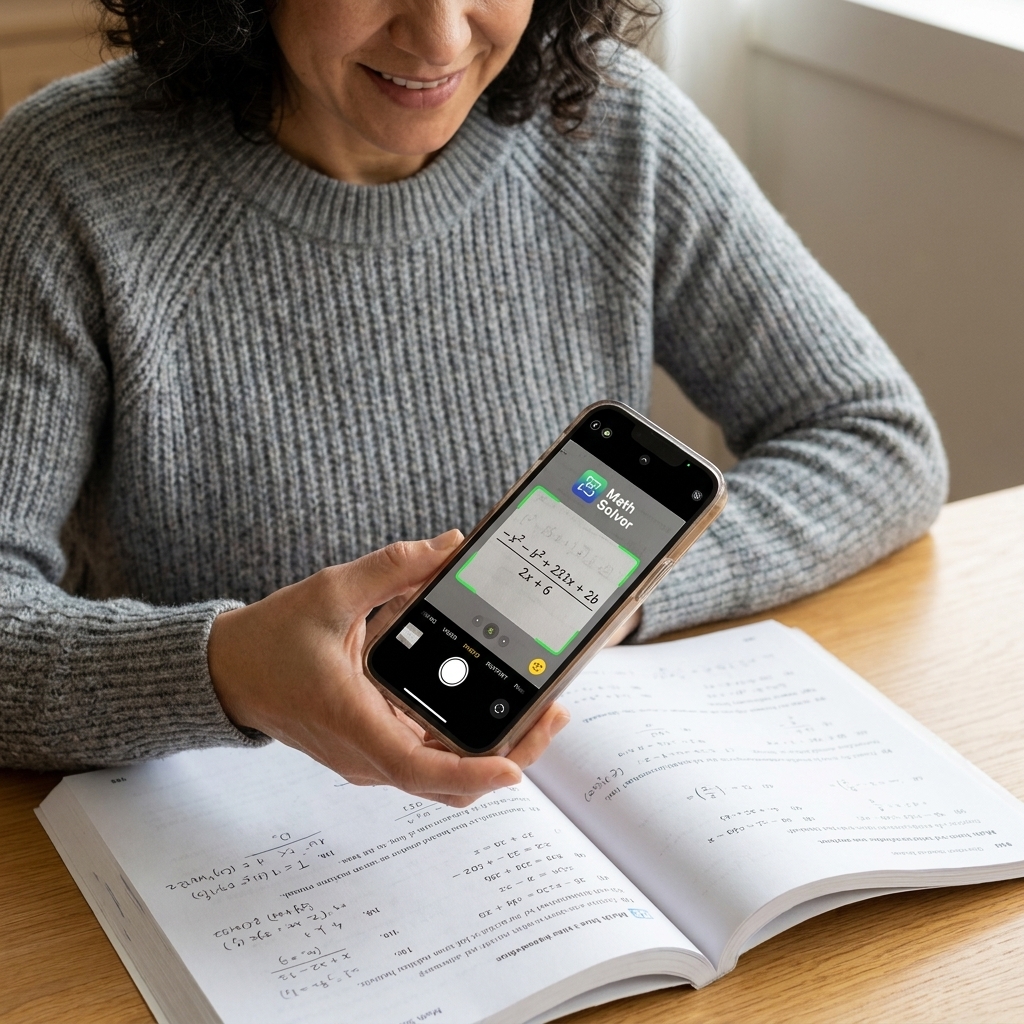
Photomath (best for worked steps, with a caution)
Best for: Step-by-step solutions for common high school algebra and some precalc topics.
- What it does well: Walks through steps and can feel very approachable for students who get overwhelmed.
- Why I recommend caution: It is easy to jump straight to the answer. If you use it, treat it like a “show me the next step” coach.
- Common pitfall: Similar to other scan-based tools, it can misread formatting, and the method may differ from your class.
My favorite use: Use it to check the middle of your process, not the end. For example, verify your simplification before you solve.
Which tool should you choose?
If you are not sure where to start, here is a simple match-up based on what high schoolers most commonly need.
- I need to graph functions and understand transformations: Desmos
- I need geometry visuals and interactive constructions: GeoGebra
- I need a very accurate answer for a hard problem: Wolfram|Alpha
- I need step-by-step algebra help that feels like tutoring: Symbolab
- I want a quick check using my phone camera: Microsoft Math Solver (and optionally Photomath, used carefully)
If you have a school-issued calculator for tests, use these online tools at home, but keep practicing the test-day tool too. Confidence comes from consistency.
How to check homework accurately
1) Type the problem exactly
The biggest “wrong answer” culprit is formatting. Be extra careful with:
- Parentheses:
2(x+3)is not the same as2x+3 - Exponents:
x^2vs(x+2)^2 - Fractions:
(x+1)/(x-1)needs parentheses - Negatives:
-(x-4)vs-x-4
2) Check for restricted values and extraneous solutions
Online solvers may give you the correct algebraic solution but you still have to interpret it. Always ask:
- Does the original problem exclude any values, like
x ≠ 3because it makes a denominator zero? - Did I square both sides or take a reciprocal, which can introduce extraneous answers?
Quick example: If you solve a rational equation and get x = 3, but the original problem has a denominator (x-3), then x = 3 is not allowed even if a solver lists it in a raw solution set.
3) Use two methods when it really matters
For big assignments or test prep, cross-check with:
- a solver and a graph
- a table of values and algebra
Quick example: If your algebra says two lines intersect at (2, -1) but your graph clearly shows the intersection at (2, 1), you probably dropped a negative sign somewhere. That is a fast fix when you catch it early.
If everything matches, your confidence should go up. If it does not, that is useful information, not a failure.
FAQs
Are online math solvers allowed in high school?
It depends on your teacher and the assignment. Many teachers encourage using them to check work but not to replace it. When in doubt, ask how your teacher wants you to use outside resources and follow the class policy.
What is the best free online graphing calculator?
For most high school needs, Desmos is the best free option. It is fast, clear, and strong for graphing everything from linear functions to many calculus-related graphs.
Why does the solver’s method look different from what my teacher taught?
Math problems often have multiple correct pathways. Solvers may choose a method that is shortest or most general, not necessarily the one your class is practicing. Use the solver for verification, then practice the class method for assessments.
Can these tools help with SAT or ACT math?
They can support your studying by helping you review mistakes and visualize functions. But for the actual test, you need to be comfortable solving without step-by-step help, and with the calculator rules of the exam you are taking. When you register, check the official exam calculator policy so there are no surprises on test day.
A final note from a former teacher
If you are using these tools because math has started to feel heavy, you are not alone. The best students I taught were not the ones who never needed help. They were the ones who learned how to get help strategically.
Use a solver to find the first mistake, not to avoid the work. That one habit builds confidence faster than almost anything else.