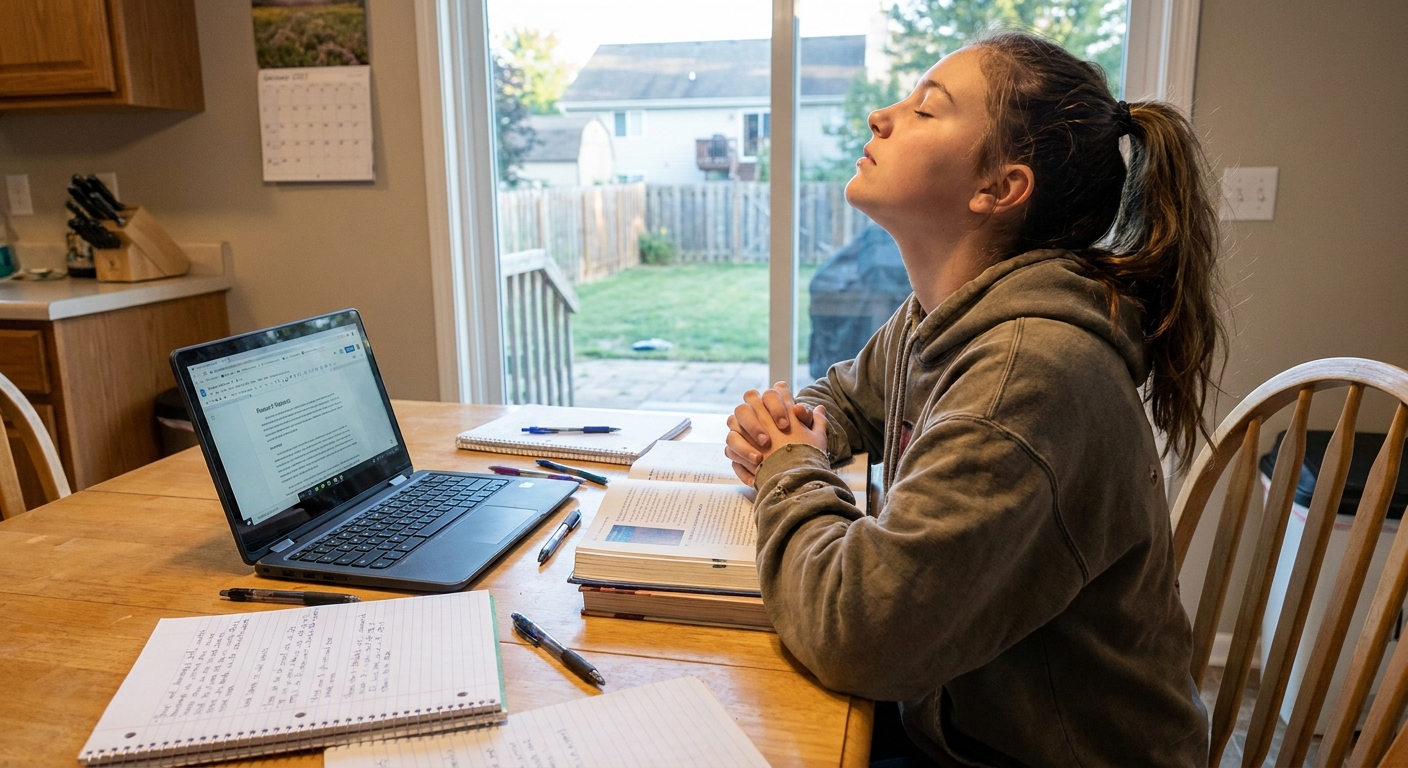
When students tell me they “sat down for three hours” but barely made a dent in their homework, I believe them. Modern studying has two enemies that team up: procrastination (starting feels heavy) and burnout (once you start, you push too long and crash).
The best fix I have found is not willpower. It is a system: pair a Pomodoro timer (to protect your focus) with a task tracker (to protect your priorities). Add time-blocking if you want extra structure, but even a simple list works.
In this guide, I will show you how to make these tools work together so your study time has a clear beginning, a clear end, and visible progress in between.

Why Pomodoro works when motivation does not
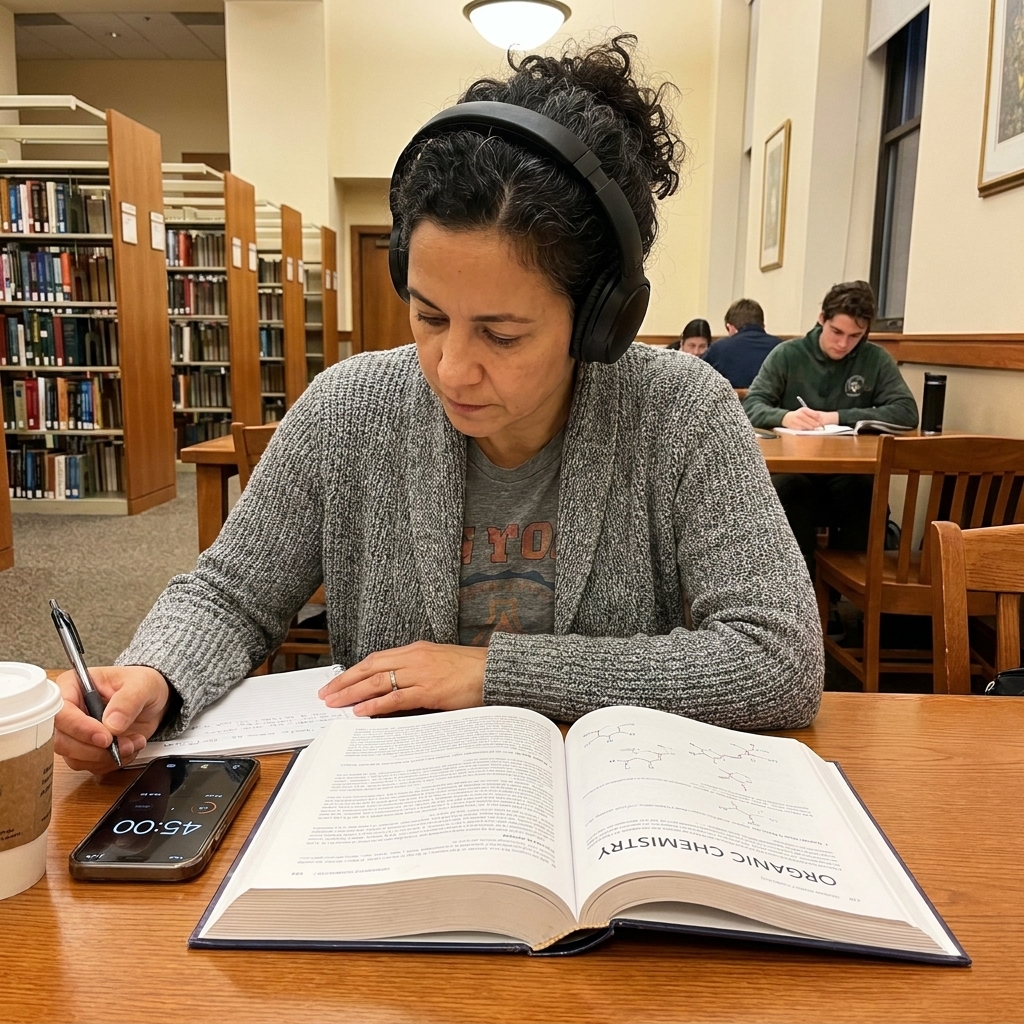
The Pomodoro technique is simple: you work for a short, protected interval, then you rest briefly. A common starting point is 25 minutes on, 5 minutes off, repeated four times, followed by a longer break (often 15 to 30 minutes).
It works for three reasons I have watched play out in real classrooms and living rooms:
- It lowers the “start” barrier. You are not committing to hours. You are committing to 25 minutes (or even 10 to start).
- It trains attention. You practice returning to one task again and again. For many people, attention is trainable.
- It can prevent the late-night spiral. Built-in breaks can reduce fatigue and make it easier to stop at a reasonable time.
But Pomodoro alone has a common problem: students pick the wrong task, or spend the entire first session deciding what to do. That is where task tracking comes in.
What task trackers add that a timer cannot
A timer manages time. A task tracker manages decisions.
If your brain is juggling five classes, a club commitment, and a quiz tomorrow, you need a place to “park” all of that. A task tracker does three key jobs:
- Captures everything so you stop relying on memory.
- Breaks assignments into steps so tasks feel doable.
- Shows progress, which can reduce stress and build momentum.
This can be a paper planner, a notes app, a kanban board, or a full-featured task manager. The tool matters less than the habit: one trusted place where your tasks live.

The sweet spot: time-blocking + Pomodoro + task tracking
Here is the combo I recommend for homework procrastination:
- Time-blocking chooses when you will study.
- Task tracking chooses what you will do.
- Pomodoro chooses how you will do it, in focused sprints.
Think of it like packing for a trip. Time-blocking is reserving the travel day, task tracking is making the packing list, and Pomodoro is packing one suitcase at a time instead of dumping the whole closet on the bed.
Step-by-step setup (takes 15 minutes)
Step 1: Do a 2-minute brain dump
Open your task tracker and quickly list every school-related thing on your mind. No organizing yet. Just capture.
Step 2: Convert each assignment into “next actions”
Most procrastination comes from vague tasks like “study biology” or “write essay.” Turn them into steps you can start immediately.
- Instead of “Study biology,” write: “Review photosynthesis notes,” “Do 15 practice questions,” “Make 10 flashcards.”
- Instead of “Write essay,” write: “Choose claim,” “Find 2 quotes,” “Write intro,” “Draft body paragraph 1.”
Step 3: Estimate Pomodoros, not hours
Many students struggle to estimate time in hours (hello, planning fallacy). Pomodoros are easier.
- Small task: 1 Pomodoro
- Medium task: 2 to 3 Pomodoros
- Large task: 4+ Pomodoros (break it down further)
In your tracker, add a number like “(2P)” next to a task. This gives you a realistic plan and prevents overloading your night.
Step 4: Time-block a “study container”
Pick a fixed start and end window for studying (your “study container”). The container matters more than the exact minutes because it prevents endless negotiating. Examples:
- 4:30 to 6:00 for homework
- 7:00 to 8:30 for exam review
- Sunday 3:00 to 4:30 for weekly planning
If you use an app, great. If not, write it on paper.
Step 5: Start with a “warm-up Pomodoro”
Your first session should be easy to enter. Choose a small task that builds momentum, such as organizing materials, opening the right tabs, or doing the first 5 math problems.

A quick example (end to end)
Let us say you have two things: a chem test on Friday and an English essay due tomorrow.
1) Task tracker (what)
- English essay (3P): choose claim (1P), find 2 quotes (1P), write intro + body paragraph 1 (1P)
- Chem (3P): review notes on acids/bases (1P), do 20 practice questions (2P)
2) Study container (when)
7:00 to 8:30 (90 minutes). That is about 3 Pomodoros plus breaks.
3) Pomodoros (how)
- Pomodoro 1: choose claim + outline paragraph
- Pomodoro 2: find 2 quotes and plug them into the outline
- Pomodoro 3: write intro + body paragraph 1
If you finish early, spend the last 10 minutes setting up tomorrow’s first Pomodoro for chem (notes open, questions ready). If you do not finish, you still end with a clear “next action” instead of a vague cloud of stress.
How to run a Pomodoro session that protects focus
Before you start: set a clear finish line
Write one sentence: “In this Pomodoro, I will…” and finish it with a concrete action.
- “In this Pomodoro, I will outline my history paragraph.”
- “In this Pomodoro, I will complete problems 1 to 8.”
During: make distractions visible, not tempting
Keep a small “distraction list” open. When a thought pops up, write it down and return to work. You are not ignoring your brain. You are scheduling it.
Breaks: do something that restores you
Five minutes should feel like a reset, not a new rabbit hole.
- Stand up, stretch, drink water
- Quick snack
- Step outside for fresh air
If social media is a true focus trap for you, treat it like dessert: plan it for the long break or after your study container ends.
Using task trackers the right way
I love good tools, but I have also watched students spend 45 minutes color-coding a planner and then feel “behind” because they did not study. Here are the guardrails:
Keep your tracker simple
- Use three lists: “Today,” “This Week,” “Later.”
- Or use three columns: “To Do,” “Doing,” “Done.”
Plan once, then execute
Set a daily planning time of 5 to 10 minutes. Outside of that, your tracker should be a quick check, not a scrolling session.
Track outcomes, not perfection
If you miss a day, your system is not broken. Re-open your tracker, pick the next best step, and restart with one Pomodoro.
Sample workflows
1) The after-school reset
- 3:45 snack and decompress
- 4:15 plan tasks (5 minutes)
- 4:20 2 Pomodoros
- 5:20 long break (15 minutes)
- 5:35 2 Pomodoros
- 6:35 stop and pack for tomorrow
2) The “I have no energy” plan
- 1 warm-up Pomodoro on the easiest task
- 1 Pomodoro on the most urgent task
- Stop, reassess, and decide if you can do one more
This plan prevents the all-or-nothing mindset that leads to late-night panic.
3) The weekend catch-up
- Plan 6 to 8 Pomodoros total across the day
- After every 2 Pomodoros, take a 20 to 30 minute break
- End with a quick “next steps” list for the week
Preventing burnout while still getting it done
Focus systems should make your life bigger, not smaller. If you are constantly exhausted, adjust the system instead of blaming yourself.
Use shorter Pomodoros when you are depleted
Try 10 to 15 minutes work, 5 minutes break. If you cannot do 25 uninterrupted minutes yet, build up slowly. Consistency beats intensity.
Pair hard tasks with your best energy window
For many students, that is earlier in the day or right after a short movement break. Save lighter tasks, like formatting or vocabulary review, for later.
Build in a real stopping point
Choose a nightly “shutdown” time and protect sleep. I have never met a student who became a stronger learner by sleeping less.
If you are studying for hours and your grades are not improving, that is a signal to change the strategy, not a verdict on your ability.
Troubleshooting
“I keep ignoring the timer.”
Make the first Pomodoro ridiculously easy. Promise yourself you only have to do 10 minutes, then let the timer carry you to 25 if you can.
“My tasks are too big.”
If a task takes more than 3 Pomodoros, it is a project. Break it into next actions until you have a step you could start in under 2 minutes.
“I get interrupted at home.”
Try shorter Pomodoros and communication. Tell your family, “I am doing 15 to 25 minutes of quiet work, then I can help.” It often reduces conflict because you are offering a clear time to reconnect.
“I feel guilty taking breaks.”
Reframe breaks as part of the assignment. The goal is effective learning, not suffering.
A starter plan for tonight
If you want to try this without overhauling your whole life, do this:
- Write a short list of 3 tasks for tonight.
- Break each into a first step you can start immediately.
- Estimate Pomodoros: 1P, 2P, 2P.
- Set a study container: 60 to 90 minutes.
- Start one Pomodoro and do not negotiate with it.
Tomorrow, you can tweak. The best study system is the one you will actually use on an ordinary Tuesday.
FAQ
Is 25/5 the only Pomodoro schedule?
No. Many students do better with 20/5, 30/5, or 15/5 on low-energy days. The best ratio is the one that keeps you starting and finishing sessions consistently.
What is the best app for this?
The “best” is the app you will open without resistance. Look for three features: a simple timer, a way to list tasks, and a place to review what you finished. If an app makes you tinker more than study, it is not a good fit.
Should I track every minute?
You do not need to. Tracking Pomodoros completed is usually enough. It gives you useful data without making studying feel like surveillance.
How do I use this for reading-heavy classes?
Set Pomodoro goals that are measurable, like “read 6 pages and annotate” or “summarize section 2 in 5 bullet points.” Reading feels easier when the finish line is visible.