When I was growing up in a bilingual household, my parents valued education deeply, but the “how” was often hidden behind unfamiliar vocabulary and expensive materials. That is exactly why I love Open Educational Resources (OER). OER are high-quality learning materials that are free to access and openly licensed, often created by universities, professors, libraries, and public education projects.
In this guide, I will show you where to find free, university-level textbooks and course materials, how to tell what you are allowed to do with them, and how to turn all those resources into a realistic self-taught learning plan.
What counts as OER (and what does not)
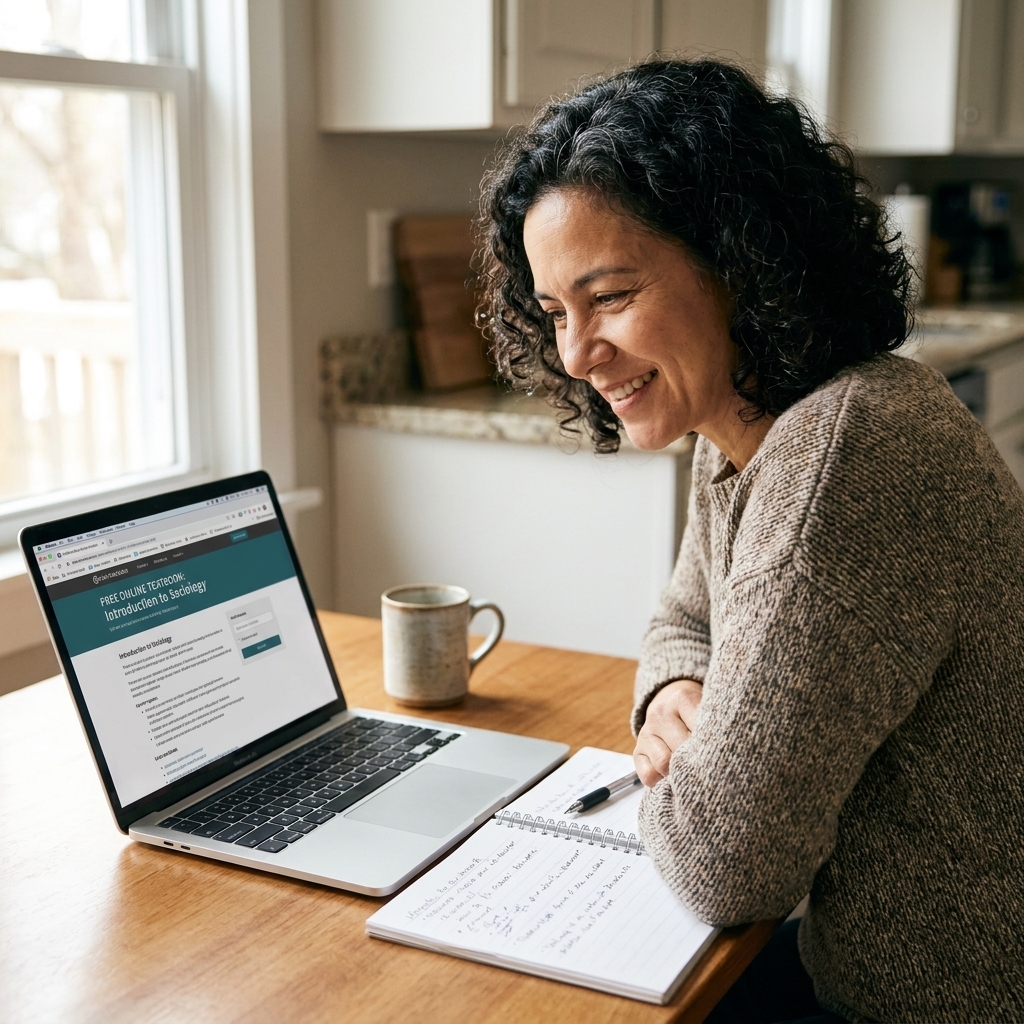
OER are teaching and learning materials that are free to access and openly licensed, usually with a Creative Commons license, or are in the public domain. That license is the key difference between “free to view” and “free to use.”
Common OER formats
- Textbooks (often reviewed by faculty, sometimes peer-reviewed, often with editable formats)
- Lecture videos and full recorded courses
- Assignments, problem sets, labs, and solutions (sometimes)
- Slides, syllabi, reading lists, and course calendars
- Open datasets for practice in statistics, data science, and research
What is not OER
This is the part that trips people up. Materials can be free to access but still not be OER.
- Paywalled ebooks or journal articles (even if you can preview a chapter)
- “Free to audit” courses that do not give reuse permission
- YouTube videos and podcasts without an open license (watching is fine, reusing is not)
- Library databases you access through a school or public library login (licensed, not open)
- Free PDFs posted online without clear permission (free does not equal legal to reuse)
Two important terms
Public domain means the material is not protected by copyright or the rights have expired or been waived. You can generally reuse it freely.
Open license means the creator keeps copyright but grants broad permissions in advance. Many OER use Creative Commons (CC) licenses.
Creative Commons cheat sheet
- CC BY: You can use and adapt it, including commercially, as long as you give credit.
- CC BY-SA: Same as CC BY, but adaptations must use the same license.
- CC BY-NC: You can use and adapt it for noncommercial purposes only. “Noncommercial” can be context-dependent, so if you plan to use it in corporate training, tuition-based courses, ad-supported content, or anything revenue-related, double-check the terms and consider getting guidance.
- CC BY-ND: You can share the unmodified work with credit, but you cannot distribute modified or adapted versions. You can still make private changes for yourself, but you cannot share those changes publicly.
- CC0: The creator waived rights as much as possible. Use it freely.
If you are building a portfolio, tutoring, selling a course, or planning to post your adapted version publicly, pay close attention to NC (noncommercial), ND (no derivatives), and SA (share alike).
Where to find free university-level textbooks and course materials
Think of OER like a library system, not a single website. Different repositories are different shelves. One shelf is polished textbooks, another is full course pages, and another is public domain or open access research.
Open textbook libraries
- OpenStax: Highly polished, widely used textbooks for math, science, economics, and more.
- Open Textbook Library (University of Minnesota): A large catalog with reviews and subject filters.
- BCcampus OpenEd: Strong collection, especially for foundational college courses.
- LibreTexts: Huge hub for STEM and social sciences, often modular and searchable.
- OER Commons: A broad, searchable library of open lessons, textbooks, and modules across subjects.
- MERLOT: A long-running collection of learning materials and faculty-curated resources (always check the license on each item).
Full courses and lecture collections
- MIT OpenCourseWare (OCW): Syllabi, notes, assignments, and often exams for many MIT courses.
- OpenLearn (The Open University): Short courses and learning pathways designed for independent learners.
- Yale Open Courses: Lecture recordings for select courses with strong conceptual grounding.
- Saylor Academy: Free courses designed for independent study, with some pathways aligned to credit options (license varies by resource, so check each course page).
Research, references, and public domain books
- Project Gutenberg: Public domain books, great for literature, history, and language study.
- Internet Archive: Massive library, including older textbooks and scanned academic materials. Some items are openly licensed, some are public domain, and some have access limits (for example, controlled digital lending). Always check usage rights and availability.
- DOAJ (Directory of Open Access Journals): Open research articles across disciplines.
- PubMed Central: Free full-text biomedical and life sciences articles.
Open practice and skill-building extras
- PhET: Interactive science and math simulations.
- GeoGebra: Math tools and open activities.
- GitHub (carefully): Many educators publish course materials and labs. Check licenses and README notes.
Tip: When you find a great course page, look for the syllabus and schedule first. Those two items can become your personal roadmap.
How to choose the right OER for your goal
One of the biggest self-teaching challenges is not motivation. It is selection. There is so much available that it can feel like drinking from a fire hose. A simple filter helps.
Start with the end in mind
Write a one-sentence goal that includes a result you can show.
- Instead of: “Learn data science.”
- Try: “Build a small portfolio with 3 projects: a data cleaning notebook, a visualization report, and a simple predictive model.”
Pick one spine, then add supports
Your spine is the main course or textbook you will follow from start to finish. Your supports fill gaps and add practice.
- Spine examples: an OpenStax textbook, an MIT OCW course, a university syllabus with weekly readings
- Supports: extra problem sets, simulations, open videos for confusing units, open articles for deeper dives
Check three quality signals
- Authorship and affiliation: Is it from a reputable institution, professor, library, or known OER publisher?
- Recency: For fast-changing fields like computer science and healthcare, prioritize newer editions or updated pages.
- Practice included: Learning sticks when you have questions, problems, labs, or projects built in.
Accessibility check
Before you commit, take a quick look at format and access. OER quality varies here.
- Do videos include captions or transcripts?
- Is the textbook available in multiple formats (web, PDF, ePub)?
- Does the resource work well with screen readers and copyable text (not just scanned images)?
A simple OER learning plan
Here is the structure I use with students and adult learners who want steady progress without burning out. You can adapt it to anything from algebra to psychology to coding.
Step 1: Build a mini syllabus (30 minutes)
- Choose your spine resource.
- List 6 to 10 units or chapters you will complete.
- Assign a rough time frame, like 6 weeks or 10 weeks.
Step 2: Decide how you will prove learning (15 minutes)
Self-taught growth becomes real when you can point to evidence.
- STEM: problem sets, lab write-ups, a GitHub repo, a small app
- Business: case study summaries, a simple marketing plan, a spreadsheet model
- Humanities: short essays, annotated reading notes, a presentation recording
- Languages: weekly audio recordings, a vocabulary deck, a short written story
Step 3: Use a weekly rhythm
Use this as a template, not a rule. Some people prefer a 3-day cycle, weekend blocks, or two longer sessions. The goal is a repeatable pattern that protects your time.
- Day 1: Preview and plan (skim headings, define key terms)
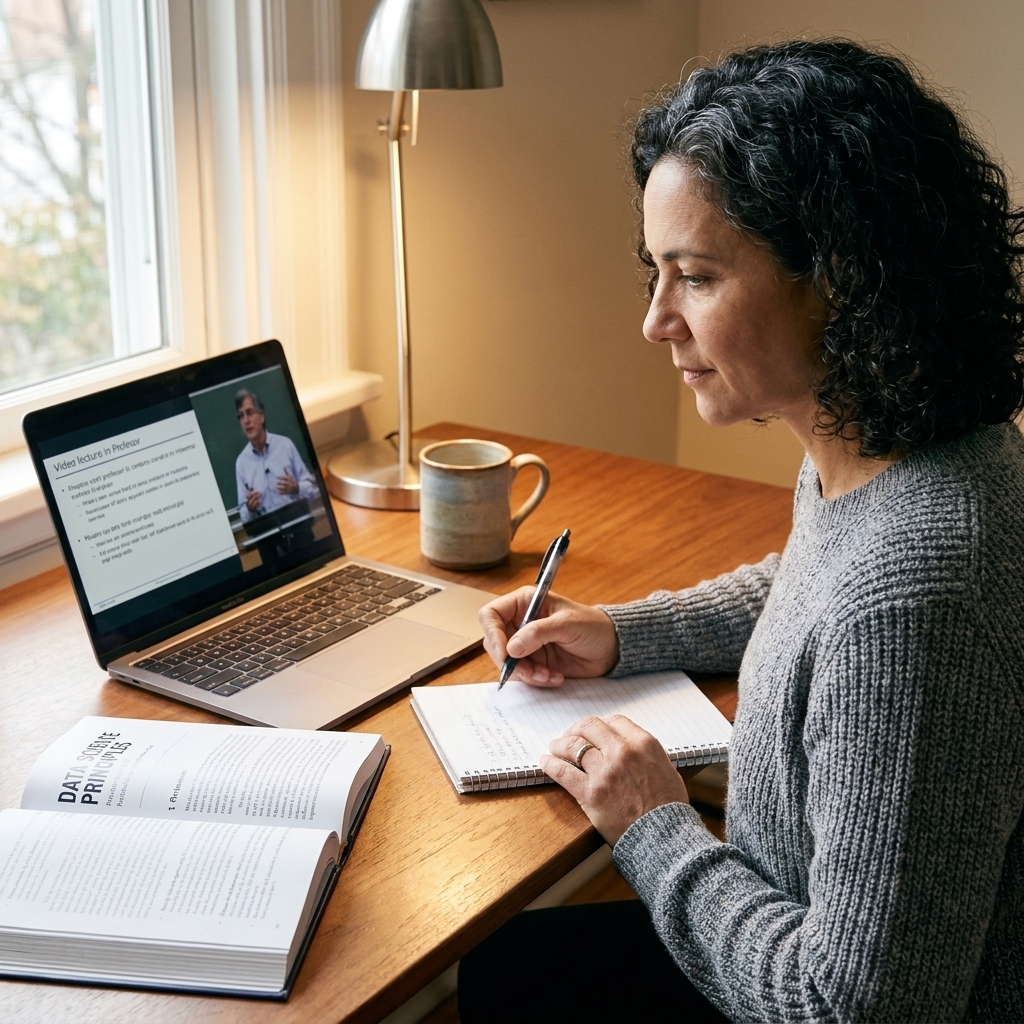
- Days 2 to 3: Learn (read or watch lectures with active notes)
- Day 4: Practice (problems, exercises, or project work)
- Day 5: Explain (teach-back in writing or aloud)
- Day 6: Review (flashcards, summary, redo missed problems)
- Day 7: Rest or catch-up
Step 4: Learn actively
If you only read or watch, it will feel productive, but it is easy to forget. Try these active strategies:
- Retrieval practice: close the tab and write what you remember.
- Blurting: brain-dump a concept, then correct using the text.
- Interleaving: mix old and new problem types so your brain has to choose the method.
- Teach-back: explain the lesson as if helping a friend who missed class.
How to organize OER
OER can quickly become a pile of tabs. A little organization makes self-teaching feel calmer and more doable.
Create a one-page learning hub
Use whatever tool you actually like. A notes app, a Google Doc, or a simple folder works.
- Your mini syllabus (weekly list of topics)
- Links to the spine resource and your 3 to 5 support resources
- A running confusions list for concepts to revisit
- A proof-of-learning folder for projects, essays, or problem sets
Download strategically
If your internet is unreliable or you learn better offline, look for PDF or ePub versions. Many OER textbooks offer multiple formats. Just remember that access does not always equal permission to redistribute, so keep files for personal use unless the license says otherwise. When a license requires it, keep attribution and any license notices with the material.
How to use OER for career growth
OER are not only for curiosity. They can be a practical bridge into a new role, a certification program, or a degree pathway. The key is to pair learning with visible work.
Turn each unit into a small output
- After a statistics chapter, analyze an open dataset and write a short interpretation.
- After a programming unit, build a tiny tool that solves a real problem in your life.
- After a psychology module, summarize a research article and reflect on limits and ethics.
Use the license correctly when you share
If you post notes, remixes, or adapted materials publicly, give attribution and respect restrictions. A safe default is to include:
- Title of the resource
- Author or organization
- Link to the original
- License type with a link (example: CC BY 4.0)
- Note about your changes (if any)
A copy and paste attribution example
Here is a simple example you can adapt:
“Introduction to Sociology 3e” by OpenStax is licensed under CC BY 4.0. Source: https://openstax.org/details/books/introduction-sociology-3e. Changes: condensed Chapter 2 notes and added practice questions.
If you are ever unsure, use OER to learn, create your own original projects to demonstrate skill, and avoid reposting modified copies until you have confirmed the license terms.
Common obstacles
“I do not know where to start.”
Pick one spine resource and commit to finishing two weeks before you add anything else. Most learners need less variety and more repetition.
“The material is too hard without a teacher.”
That is normal. Add supports that mimic what a good teacher provides: worked examples, practice sets, and explanations from a different voice. Also, slow down and do fewer problems more carefully.
“I keep jumping between topics.”
Make a rule: you can explore, but only on Saturdays. Keep a curiosity list, and return to the plan on your next study day.
“I need accountability.”
Set a weekly deliverable and show it to someone. A friend, a mentor, or an online community. The deliverable can be small, like a one-page summary or a solved problem set.
FAQ
Are OER really free?
Yes, to access. Many are also free to reuse and adapt, but you must follow the license terms. “Free to read” is not always “free to remix.”
Can I use OER to replace a college class?
You can learn the content at a college level, and many people do. But credit is separate. If you need official credit, look for options like prior learning assessment, credit-by-exam, or low-cost accredited courses that accept transfer credit.
What is the difference between OER and MOOCs?
A MOOC is a course format. Some MOOCs use openly licensed materials, but not all. OER describes licensing and permissions. You can use OER with or without a formal course platform.
How many hours per week should I plan?
If you are balancing work and family, start with 3 to 5 hours per week. Consistency matters more than intensity. You can scale up once your routine feels stable.
A gentle next step
If you want to begin today, choose one topic you have been meaning to learn, find one strong open textbook or course page, and write a six-week mini syllabus with weekly outputs. OER make learning accessible. Your plan makes it achievable.